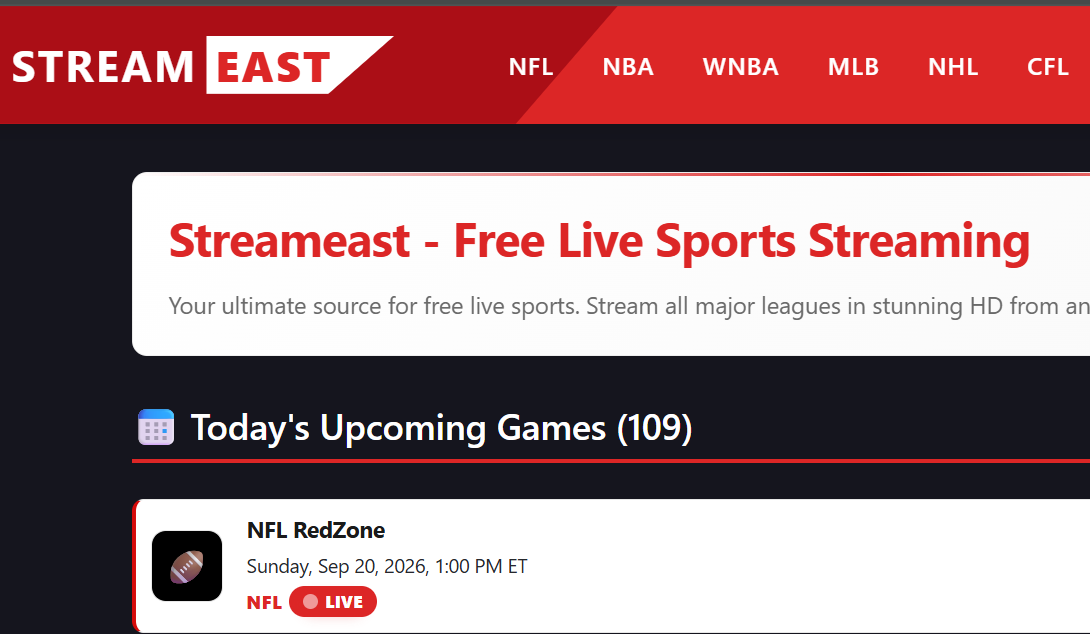
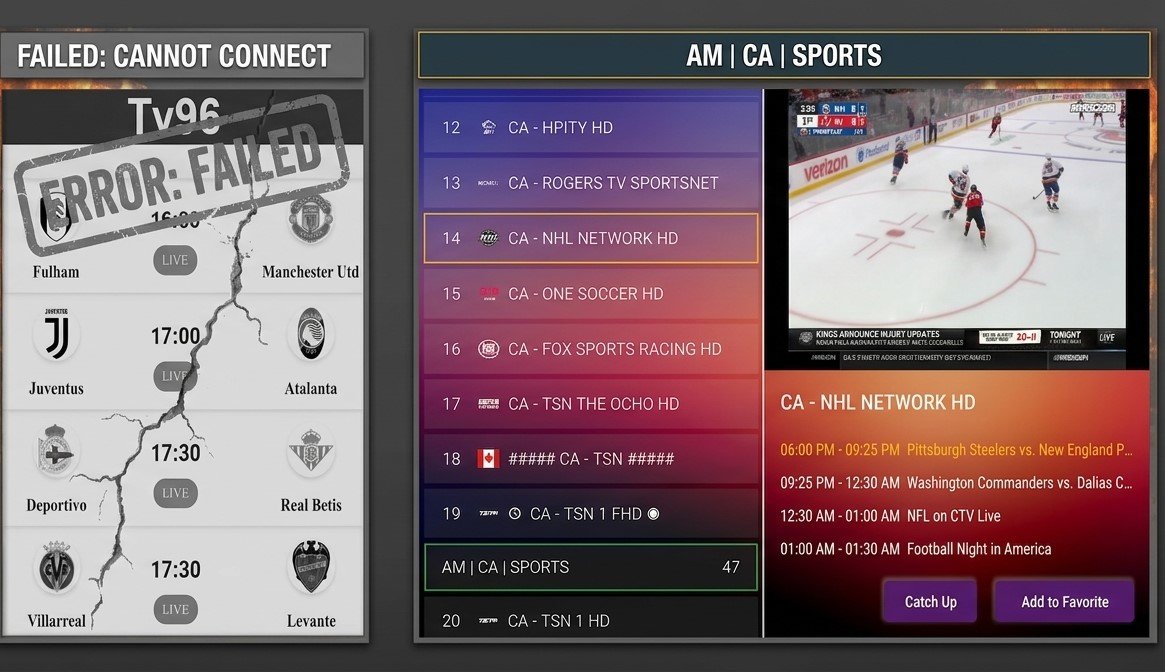
Is FMovies Safe? What You Should Know Before Streaming
What You Should Know Before Watching Movies or LIVE Channels directly to your TV/Phone/Laptop
Is FMovies Safe? What You Should Know Before Streaming
If you have searched for is FMovies safe, you are probably wondering whether watching movies on free streaming websites can put your computer, personal information or online accounts at risk.
The short answer is that you should be cautious with websites associated with unauthorized streaming, aggressive advertising, suspicious redirects or unexpected downloads.
There is also an important distinction between a website being technically accessible and being safe to use.
A website can load normally in your browser while still exposing you to intrusive advertisements, malicious redirects, phishing attempts or potentially unwanted downloads.
The Federal Trade Commission has warned that illegal streaming websites and applications can be used to distribute malware. According to the FTC, malicious software associated with pirate streaming can potentially steal login credentials, financial information and other personal data.
That is why the question “Is FMovies safe?” deserves more than a simple yes or no.
Is FMovies Safe to Use?
There are security reasons to be cautious.
FMovies has historically been associated with websites offering free access to movies and TV content, and users may encounter multiple domains, mirrors, advertisements or redirects.
Because websites and domains can change, it is difficult to treat every site using the FMovies name as identical.
However, the general security risk associated with unauthorized streaming websites is well documented.
The FTC specifically warns that websites offering free movies and TV shows can expose users to malware.
For that reason, users should be particularly careful when a streaming website asks them to download unknown software, install an unfamiliar browser extension or interact with suspicious pop-ups.
My Own Experience With a Suspicious Streaming Site
I also had a small security issue while using a site associated with free movie streaming.
After visiting the site, I encountered what appeared to be a small virus-related problem on my PC.
That experience made me reconsider the way I access online entertainment.
It is important to clarify that one personal experience does not prove that every FMovies-related domain infects every visitor.
Websites can change, domains can change and security conditions can vary.
But it demonstrates why users should not automatically assume that a free streaming website is safe simply because a video plays successfully.
Why Free Streaming Websites Can Be Risky
One of the biggest problems is not necessarily the movie player itself.
It can be everything surrounding it.
A user might see:
Aggressive pop-up advertisements Fake download buttons Suspicious browser notifications Redirects to unfamiliar websites Fake security warnings Requests to install extensions Unknown software downloads Phishing pages Suspicious CAPTCHA instructions
Some modern scams can even disguise malicious instructions as security verification.
The FTC has warned about fake CAPTCHA pages that can trick users into running commands that install malware on their computers.
This is why clicking random buttons on an unfamiliar streaming website can be dangerous.
The Problem With “Free” Streaming
Free entertainment can look attractive.
You search for a movie.
You find it.
You click play.
But the real cost may not always be financial.
You may have to deal with:
Pop-ups → Redirects → Fake buttons → Downloads → Tracking → Security risks
That does not mean every free streaming website is malicious.
It means users should evaluate the environment around the video rather than assuming that a free movie player is automatically trustworthy.
What Happens When Malware Reaches Your Computer?
Malware can cause different problems depending on what has been installed.
The FTC warns that malware associated with illegal streaming can potentially steal information such as credit-card details and login credentials.
Other signs may include:
Your computer becoming unusually slow Unexpected pop-ups Your browser opening unfamiliar pages Unknown applications appearing Strange browser extensions Security warnings Unexpected changes to browser settings
If you believe malware has been installed, the safest approach is to stop interacting with the suspicious website and run an up-to-date security scan.
The FTC also recommends updating security software and scanning the device if malware is suspected.
Are Streaming Apps Safer Than Random Websites?
Generally, using applications obtained through the official Apple App Store, Google Play Store or the official application environment supported by your Smart TV can reduce some of the risks associated with downloading software from unknown websites.
It is not an absolute guarantee of safety.
No digital platform is completely risk-free.
But official application stores have a different security model from downloading unknown files from random websites.
The FTC has also warned that malicious streaming apps and add-ons can be used to spread malware, which is why users should be careful about unofficial applications and unauthorized downloads.
The important principle is simple:
Avoid installing unknown software just to watch a movie or television program.
What About Smart TV Applications?
A Smart TV can provide a much cleaner entertainment experience than constantly visiting unfamiliar streaming websites through a computer browser.
Depending on the television platform, users can install compatible applications through the manufacturer's supported application environment.
This can make the overall setup easier:
Smart TV → Official app environment → Compatible streaming application → Entertainment
Rather than:
Random website → Pop-up → Redirect → Fake play button → Download
That difference matters.
How IPTV Can Provide a More Organized Alternative
Instead of searching for individual movies on random websites, some viewers prefer using a dedicated television service that combines live TV and on-demand entertainment.
This is where IPTV can become an alternative.
IPTV uses an internet connection to deliver television programming. The CRTC describes IPTV as digital television delivered through a high-speed internet connection.
For users who want to move away from questionable streaming websites, the attraction is not simply having more content.
It is having a more organized way to access television through a compatible application and device.
IPTVCanadaZon: Get Help Setting Up Your TV
At IPTVCanadaZon, the goal is to provide viewers with a more organized IPTV experience instead of requiring them to search through random movie websites.
Depending on the available service and subscription, users can access categories such as:
Live TV Sports Hockey-related programming Movies TV series Video-on-demand Family entertainment
The service can be used on compatible devices, including supported Smart TV and streaming platforms.
If you are unfamiliar with IPTV applications, the setup process can seem complicated at first.
That is why IPTVCanadaZon can guide customers through the setup process and help them test the service.
A free trial is also available so that you can test the experience on your own device and internet connection before deciding whether it suits you.
Why Testing Before Subscribing Makes Sense
Every household is different.
Your internet connection may be different from another customer's.
Your Smart TV may use a different operating system.
Your streaming device may have different specifications.
Your viewing habits may also be completely different.
This is why testing is useful.
Rather than assuming that a service will automatically be perfect for your setup, you can test it first.
With IPTVCanadaZon, the free trial allows you to evaluate the experience before making a longer-term commitment.
What Should You Do If You Already Visited a Suspicious Streaming Website?
If you recently visited a questionable streaming website and noticed unusual behavior, don't panic.
Start with the basics.
1. Stop interacting with the suspicious website
Do not continue clicking pop-ups or download buttons.
2. Check your downloads
Look for files that you did not intentionally download.
3. Remove suspicious browser extensions
Check your browser extensions and remove anything you do not recognize.
4. Run a security scan
Use your device's trusted security software and make sure it is updated.
5. Change important passwords if necessary
If you believe malware may have compromised your credentials, change important passwords and enable two-factor authentication where available.
The FTC recommends acting quickly if you suspect malware or compromised information.
Is FMovies Safe? The Bigger Question
The more useful question is not only:
“Is FMovies safe?”
It is:
“Do I really need to use an unfamiliar website when there are more organized ways to watch television and movies?”
For someone who watches entertainment regularly, repeatedly visiting random streaming websites can create unnecessary exposure to pop-ups, redirects, downloads and other risks.
A dedicated streaming application or legitimate television service can provide a more structured experience.
The key is still to choose a service carefully and verify what content and rights it provides.
Final Thoughts
If you searched is FMovies safe, the safest approach is to be cautious.
My own experience with a site associated with free movie streaming included a small virus-related issue on my PC, which made me more careful about where I stream content. However, that personal experience should not be interpreted as proof that every FMovies-related domain infects every visitor.
More broadly, cybersecurity authorities have warned that illegal streaming websites and applications can expose users to malware and potentially compromise personal information.
For everyday entertainment, using supported applications from official app environments such as the Apple App Store, Google Play Store or your Smart TV's supported app platform can provide a more controlled way to install software.
For viewers interested in IPTV, IPTVCanadaZon provides guidance during setup and offers a free trial so customers can test the service on their compatible device and internet connection.
Instead of clicking through questionable websites looking for the next movie, a dedicated entertainment setup can make the experience simpler and more organized.
A Safer Way to Set Up IPTV on Your Device
One important difference between using random streaming websites and a dedicated IPTV setup is how you access the service.
With IPTVCanadaZon, you don't need to download unknown software or suspicious files from random websites. Instead, you can use a compatible IPTV application available through an official platform supported by your device, such as the Apple App Store, Google Play Store, or your Smart TV's official app environment, when an appropriate application is available.
The process is simple:
Choose your compatible device → Install a supported IPTV application → Enter your IPTV credentials → Start watching
IPTVCanadaZon can also guide you through the installation and configuration process and help you test the service on your own device and internet connection.
This approach avoids the need to download unknown executable files simply to access television content. However, no application or online service can guarantee complete protection from every security risk, so users should always keep their devices and applications updated and download applications only from trusted sources.
IPTVCanadaZon: Watch Through a Supported App
IPTVCanadaZon is designed to give customers a more organized way to access their IPTV service. Rather than asking users to download unknown software from unofficial websites, customers can use a compatible IPTV application available through a trusted application platform supported by their device.
Whether you are using a Smart TV, Android device, Apple device or another compatible platform, the IPTVCanadaZon team can guide you through the appropriate setup process.
You can then test the service with a free trial before deciding whether it is suitable for your device, internet connection and viewing preferences
Watch smarter. Test first. And be careful about what you install on your devices.